One line
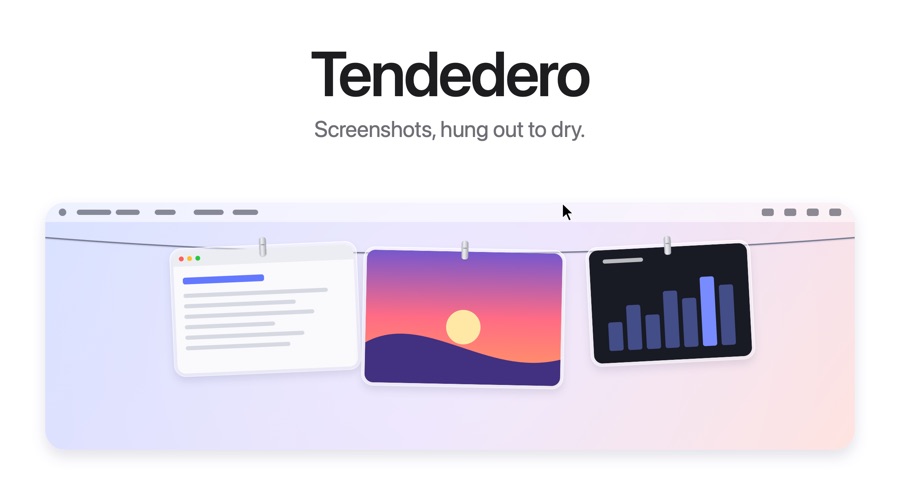
Tendedero is a free, open source Mac app that hangs every screenshot on a line just above your screen.
 TendederoPress
Press kit
Screenshots, hung out to dry.
A free, open source Mac app that hangs every screenshot on a line just above your screen. Everything here may be used in coverage.
Likes, replies, stars and forks are live. Views, bookmarks and reposts are approximate, as of October 10, 2026. Launched on October 7, 2026.
Tendedero is a free, open source Mac app that hangs every screenshot on a line just above your screen.
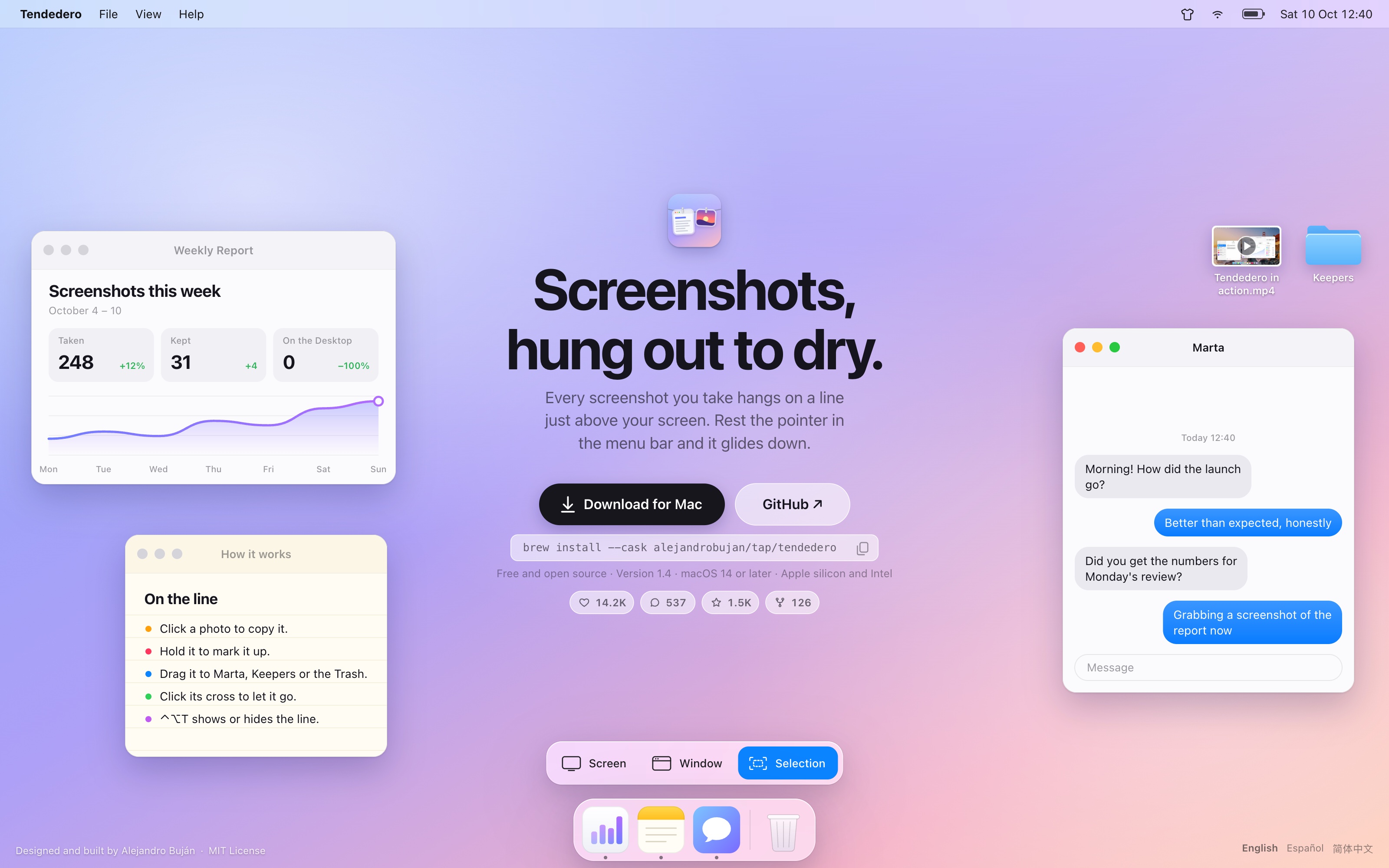
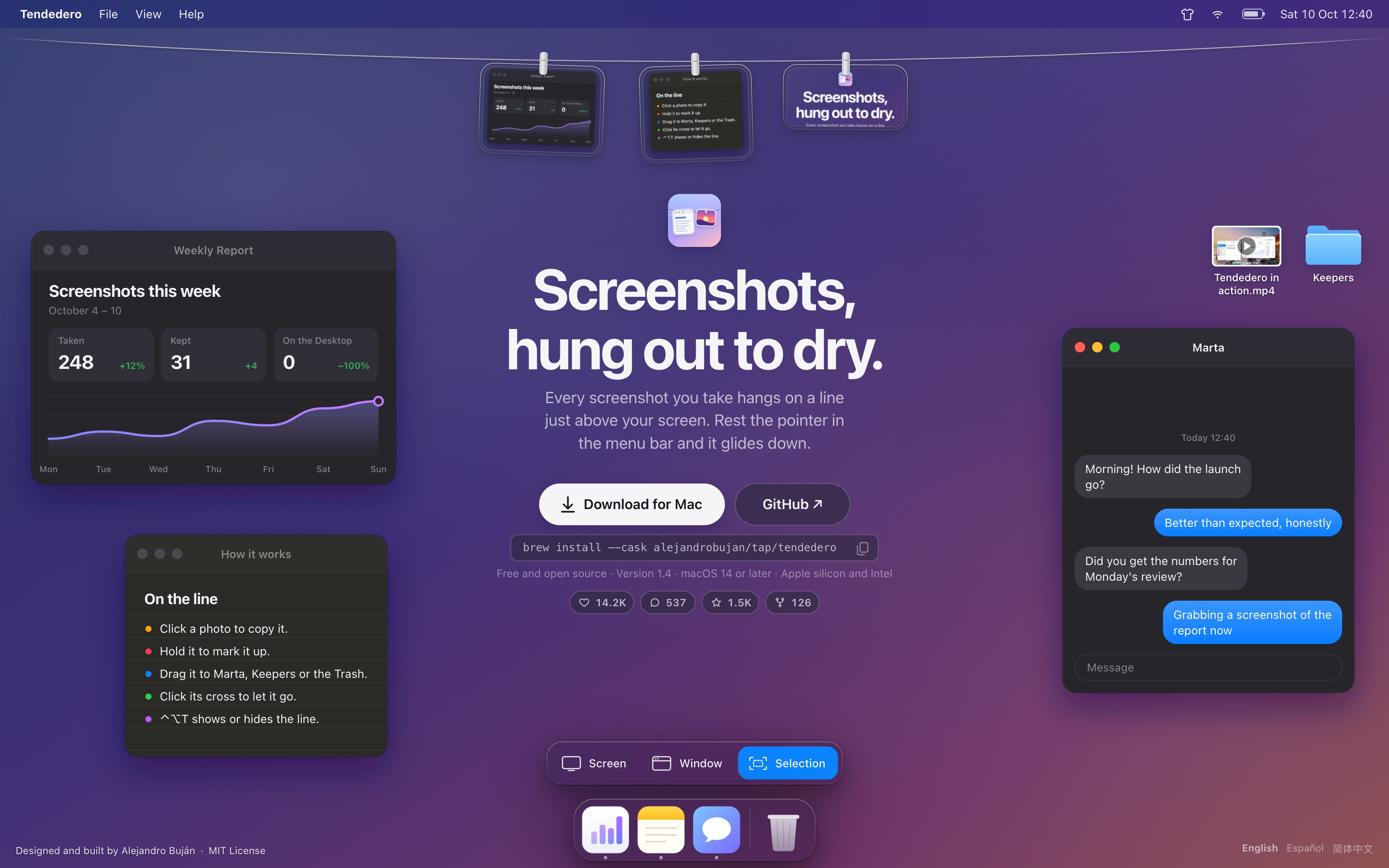
Tendedero is a tiny, free and open source Mac app that hangs every screenshot you take on a line just above your screen. Rest the pointer in the menu bar and the line glides down; move away and it is gone. Click a photo to copy it, hold it to mark it up, drag it into any app or folder, or let it go.
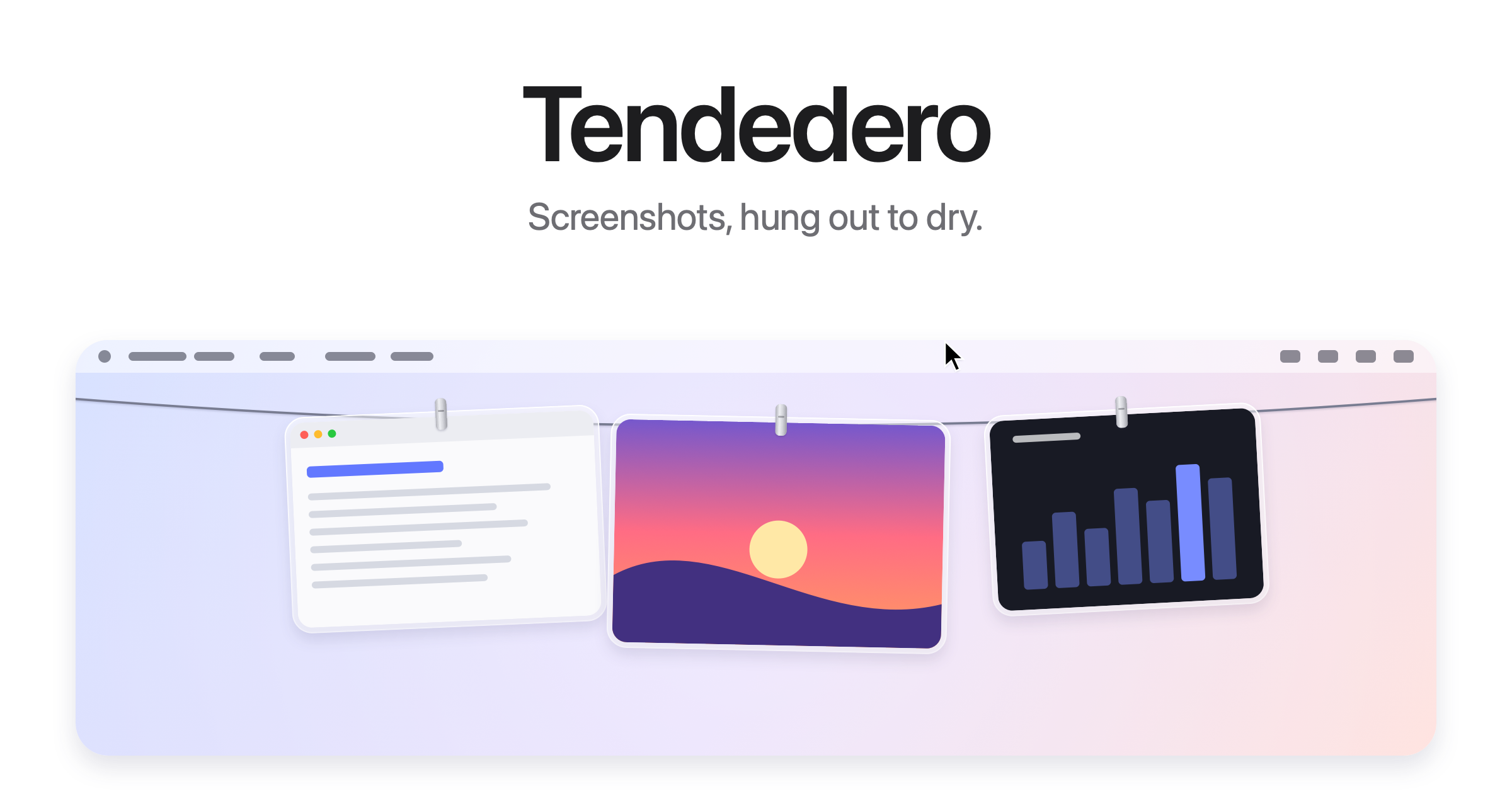
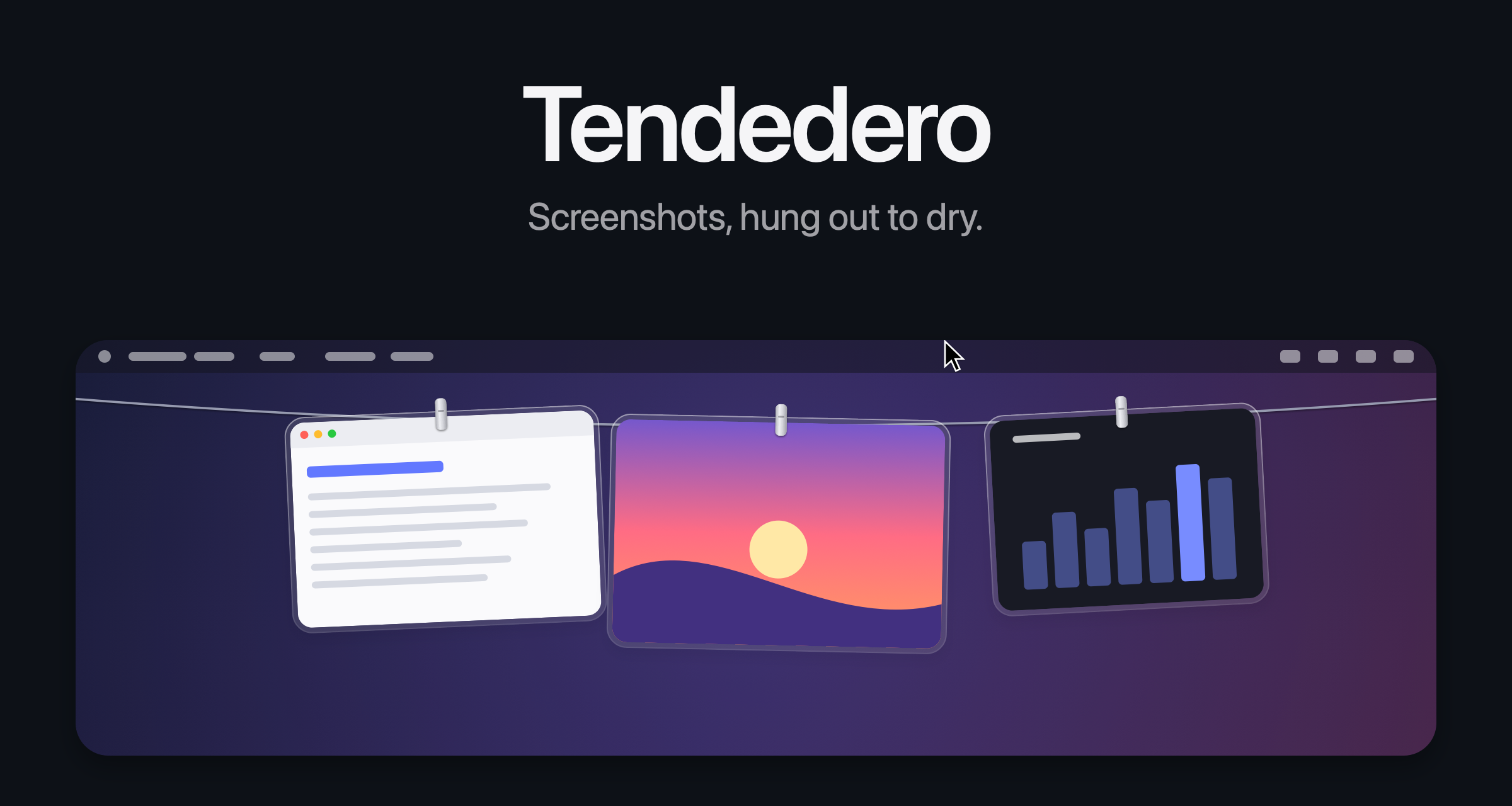
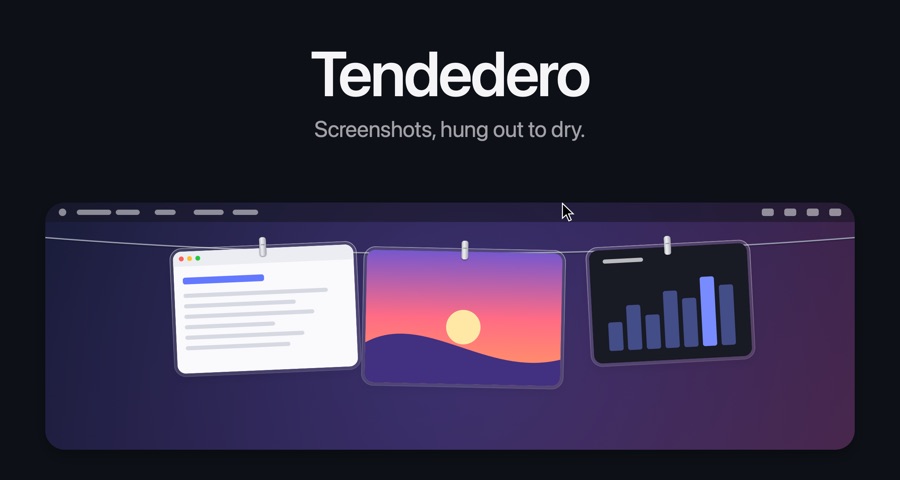
Tendedero, Spanish for “clothesline”, hangs every screenshot you take on a thin line just above your screen, each one in a glass frame on a clip. Rest the pointer in the menu bar and the line glides down; move away and it tucks itself out of sight.
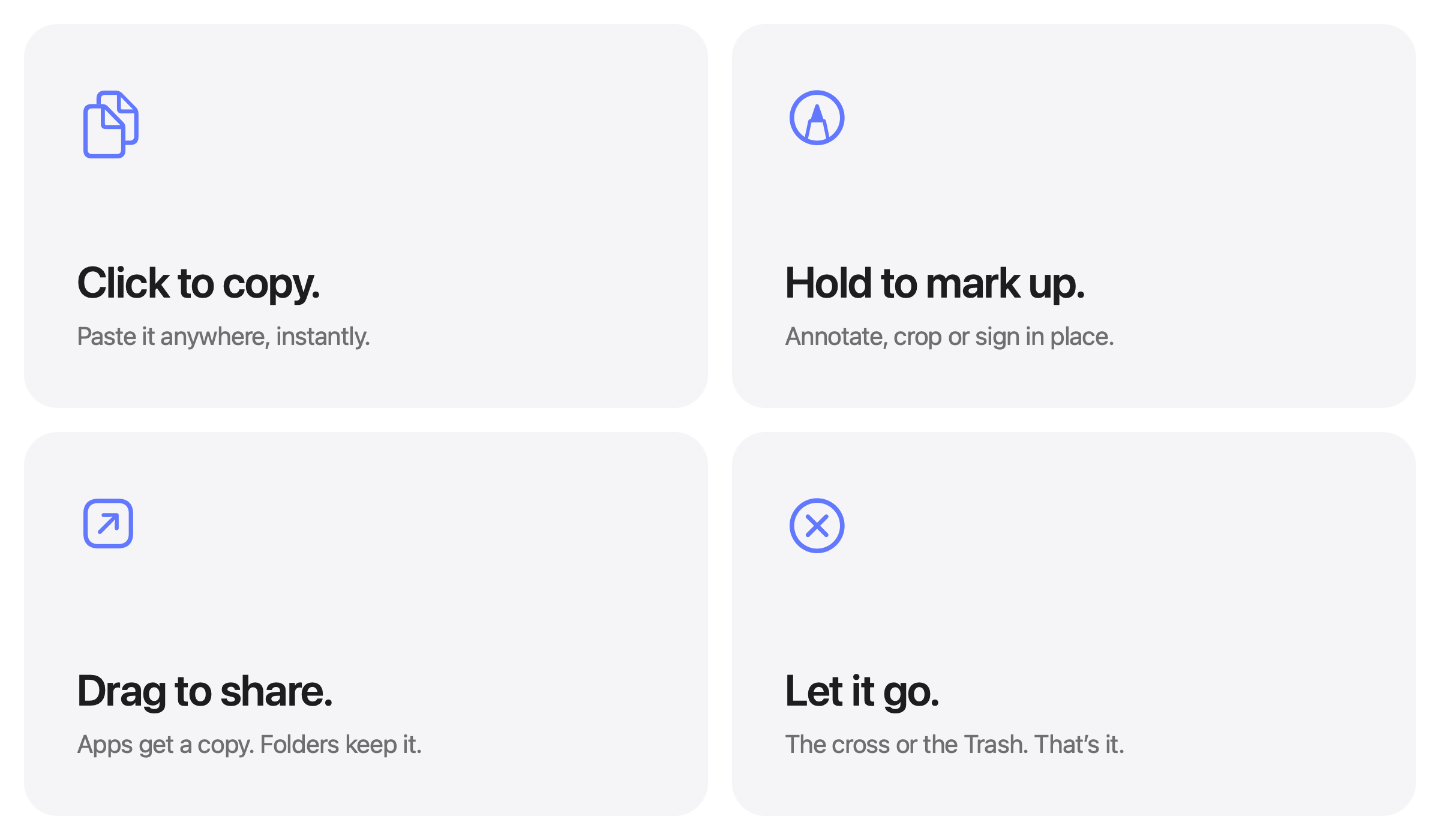
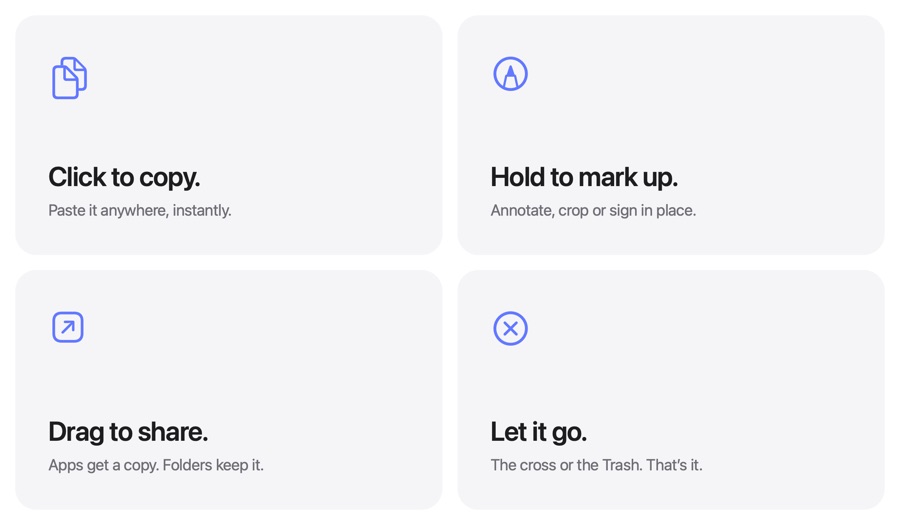
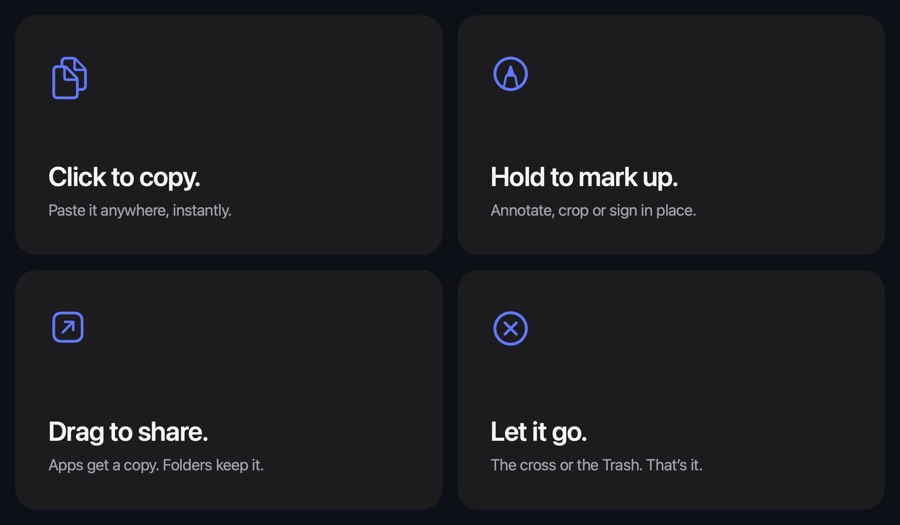
Every gesture does one thing. Click to copy. Press and hold to open Markup. Double click to open Preview, or force click for Quick Look. Drag a photo into an app to send a copy, into a folder to keep it, or to the Trash to let it go.
Hand Tendedero your screenshots and they skip the Desktop entirely: no floating thumbnail, no five-second wait. Screen recordings hang too and can be trimmed in place, and images you copy can hang as well.
There is no account, no network access and no analytics. Tendedero is free and MIT licensed, signed and notarized by Apple, and runs on macOS 14 Sonoma or later on Apple silicon and Intel Macs. A working demo runs in the browser at tendedero.app.
Tendedero es una app gratuita y de código abierto para Mac que cuelga cada captura en una cuerda justo encima de la pantalla.
Tendedero es una pequeña app para Mac, gratuita y de código abierto, que cuelga cada captura que haces en una cuerda justo encima de la pantalla. Lleva el puntero a la barra de menús y la cuerda baja; apártalo y desaparece. Haz clic en una foto para copiarla, mantenla pulsada para anotarla, arrástrala a cualquier app o carpeta, o suéltala.
Tendedero cuelga cada captura que haces en una cuerda fina justo encima de la pantalla, cada una en un marco de cristal sujeto con una pinza. Lleva el puntero a la barra de menús y la cuerda baja; apártalo y se recoge.
Cada gesto hace una sola cosa. Clic para copiar. Mantener pulsado para abrir Marcación. Doble clic para abrir Vista Previa, o clic fuerte para Vista Rápida. Arrastra una foto a una app para enviar una copia, a una carpeta para guardarla o a la Papelera para deshacerte de ella.
Deja que Tendedero se encargue de tus capturas y dejarán de pasar por el Escritorio: sin miniatura flotante ni cinco segundos de espera. Las grabaciones de pantalla también se cuelgan y se pueden recortar ahí mismo, y las imágenes que copias pueden colgarse también.
Sin cuenta, sin red y sin analíticas. Tendedero es gratuita, con licencia MIT, firmada y notarizada por Apple, y funciona en macOS 14 Sonoma o posterior, en Macs con Apple silicon e Intel. En tendedero.app hay una demo que funciona en el navegador.
Tendedero 是一款免费开源的 Mac App,把每张截图都挂到屏幕顶上的一根绳上。
Tendedero 是一款小巧、免费、开源的 Mac App。你每截一张图,它都会挂到屏幕顶上的一根绳上。把指针停在菜单栏,绳子就滑下来;移开,它就收起。单击复制,长按标记,拖进任意 App 或文件夹,或者松手丢弃。
Tendedero 在西班牙语里是“晾衣绳”的意思。你截的每一张图,都会装在玻璃相框里,用夹子挂到屏幕顶上的一根细绳上。把指针停在菜单栏,绳子就滑下来;移开,它就收起。
每个手势只做一件事。单击复制。长按用“标记”打开。双击用“预览”打开,用力点按用“快速查看”看一眼。拖进 App 就送一份副本过去,拖进文件夹就存在那儿,拖到废纸篓就丢弃。
把截图交给 Tendedero,它们就完全跳过桌面:没有浮动缩略图,不用等五秒。屏幕录制也会挂上绳,并可直接剪辑;复制的图片也能挂上去。
无需账户,不联网,不做统计。Tendedero 免费,采用 MIT 许可证,经过 Apple 签名和公证,支持 macOS 14 Sonoma 及以上,适用于 Apple 芯片和 Intel 的 Mac。在 tendedero.app 上可以直接在浏览器里试用。
Every screenshot hangs in a glass frame on a thin line, just above the screen.
Rest the pointer in the menu bar and the line glides down. Move away and it is gone.
Click to copy, hold to mark up, drag into any app or folder, or let it go.
Screenshots skip the Desktop and the floating thumbnail. Only what you keep stays.
Screen recordings hang too, ready to trim. Copied images can hang as well.
No account, no network, no analytics. Screenshots never leave the Mac.
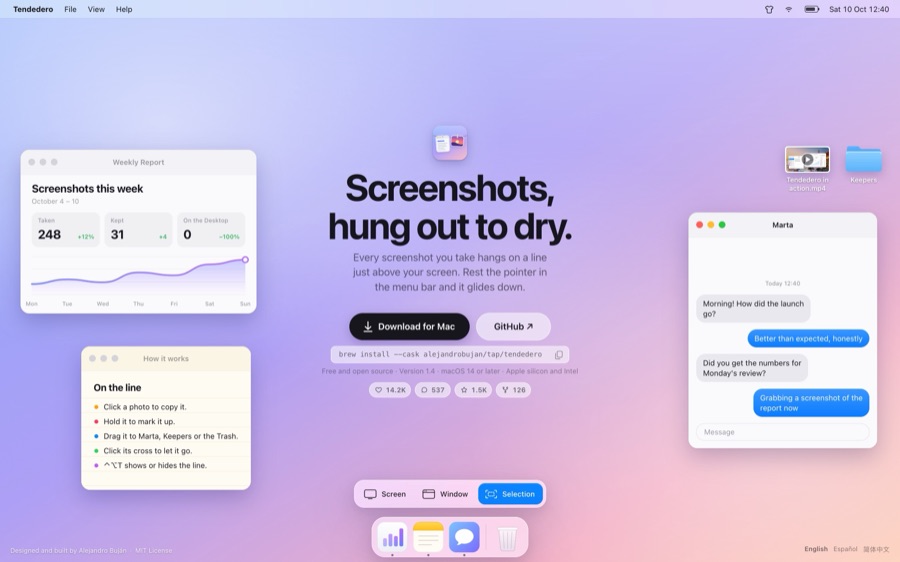
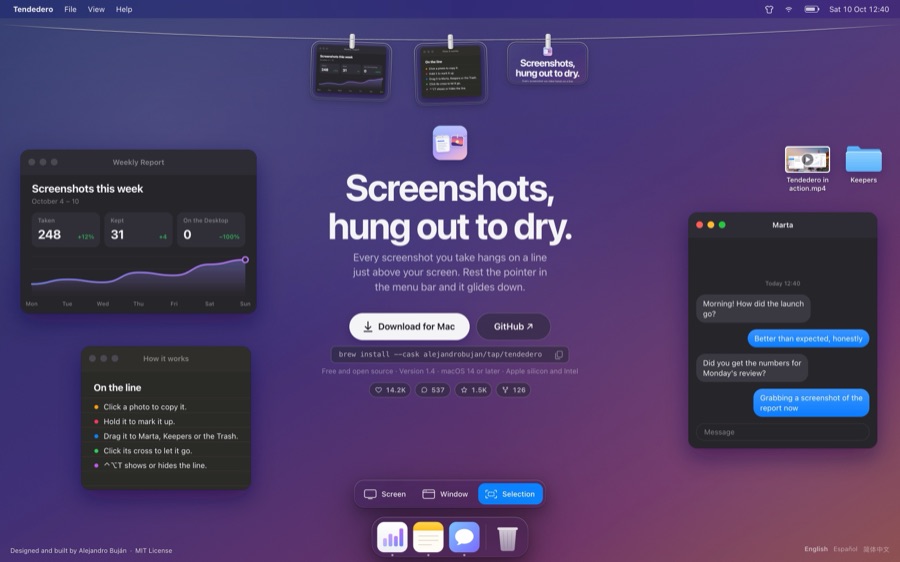
The images and video may be used in coverage of Tendedero. Every one is also in the press kit, with the fact sheet.
Tendedero is designed and built by Alejandro Buján, a Spanish engineer based in San Francisco. Questions, interviews and review requests are welcome, in English or Spanish.